Remote Live View
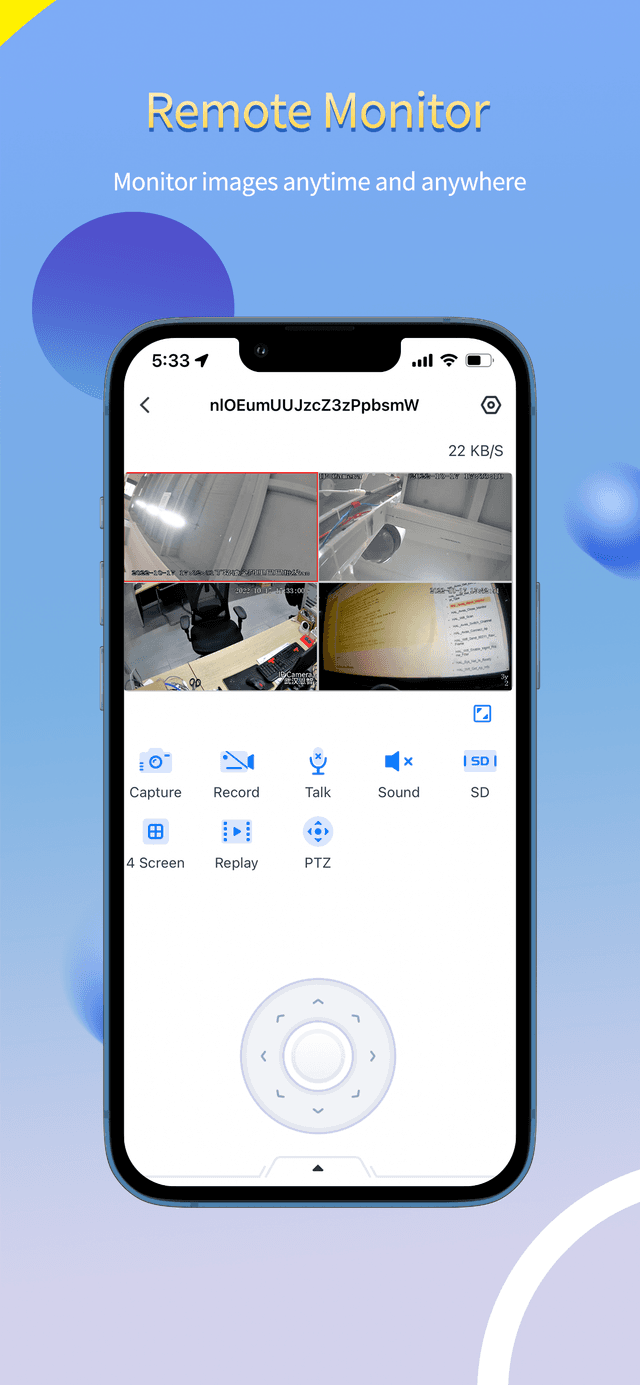
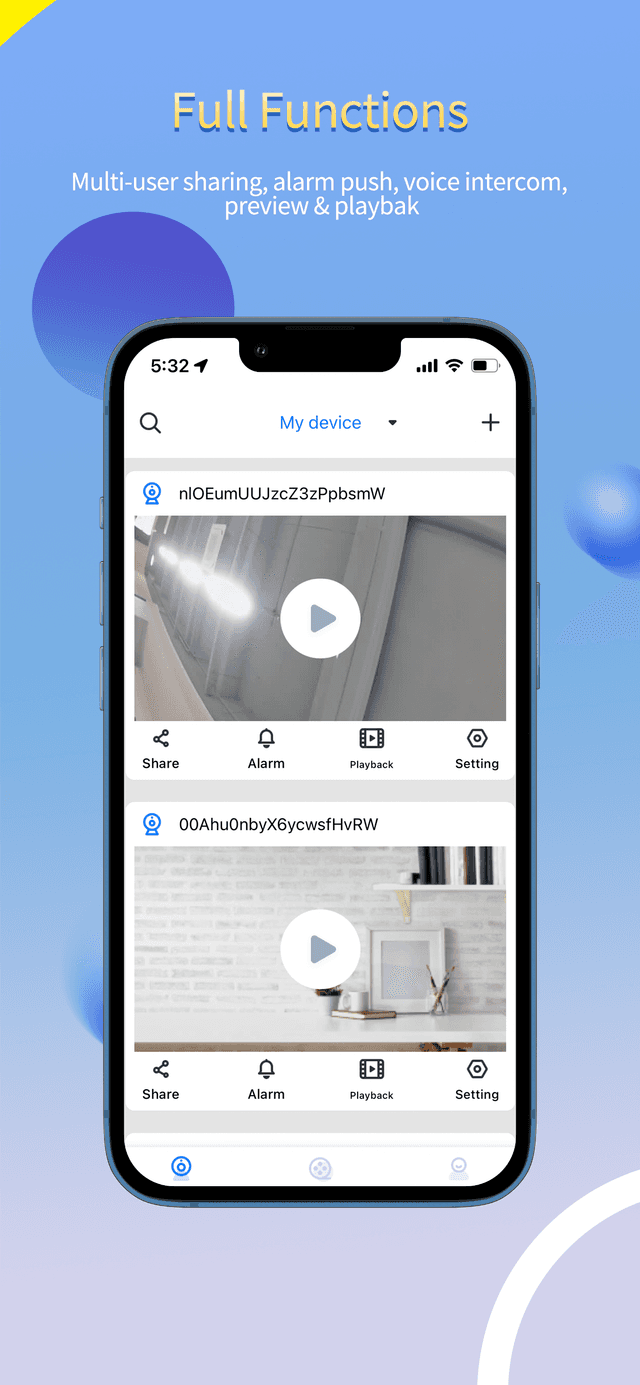
Open the Seeeasy App and watch any bound camera in real time, over Wi-Fi or mobile data, with capture, record, two-way talk, multi-screen and PTZ controls right there.
Live view your IP cameras and NVRs, replay recordings, receive instant motion alerts, and manage up to 128 devices from a single Seeeasy App account — over Wi-Fi or cellular.
Core features
Built around the daily reality of remote monitoring: a quick glance, a clean replay, and an alert only when something actually matters.
Open the Seeeasy App and watch any bound camera in real time, over Wi-Fi or mobile data, with capture, record, two-way talk, multi-screen and PTZ controls right there.
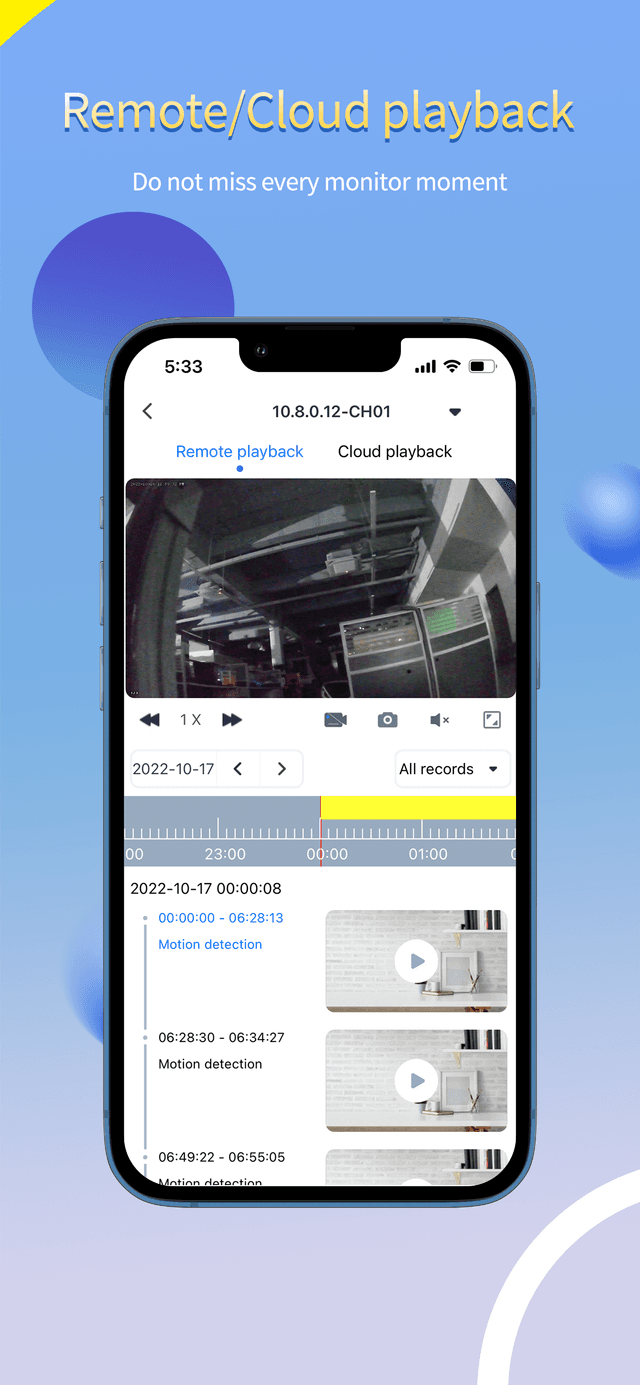
Scrub the timeline to review what your cameras recorded — from device storage or the cloud — and save clips and snapshots to your phone. Do not miss a moment.
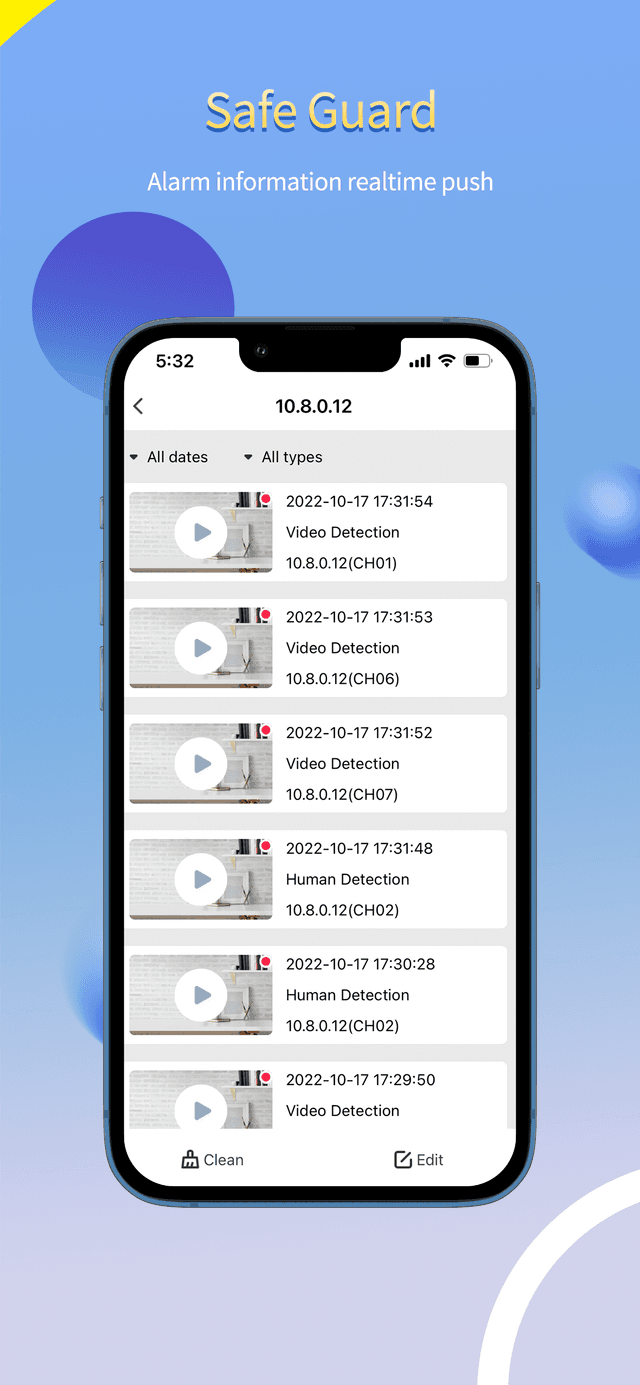
Real-time alarm push the instant your camera detects motion or triggers an alarm event, so you can act before you scroll.
Scan a QR code to bind a device — support multiple cameras or NVRs on one Seeeasy account, ready in seconds.
One account for every camera: multi-user sharing, alarm push, voice intercom, live preview and playback — all in one place.
How Seeeasy App works
Add a camera by QR code, share access with the people you trust, and get on with your day.
Install from the App Store or Google Play and create a free Seeeasy account.
Open your camera or NVR's screen, point your phone, and bind the device within ten minutes of powering it on.
Live view, playback, alerts and two-way intercom — all routed through Seeeasy's P2P cloud service.
Compatibility
Seeeasy App runs natively on iOS and Android, and is also available on iPad, Apple Silicon Macs, Apple Vision, Android TV, and through emulators on Windows or Intel Mac.
macOS 11.0 or later.
visionOS 1.0 or later.
Use Seeeasy TV for the big screen.
Documentation
Real answers from the official Seeeasy App help center — written by the people who actually answer support tickets.
From real App Store and Google Play reviews
“The best camera for your home”
Abin thomson
App Store reviewer
“Very nice”
Abking73
App Store reviewer
“还不错 监控 比较实惠”
十点半的坚持不地道
App Store reviewer
“Отлично работает”
nojeans
App Store reviewer
“The best camera for your home”
Abin thomson
App Store reviewer
“Very nice”
Abking73
App Store reviewer
“还不错 监控 比较实惠”
十点半的坚持不地道
App Store reviewer
“Отлично работает”
nojeans
App Store reviewer
“The best camera for your home”
Abin thomson
App Store reviewer
“Very nice”
Abking73
App Store reviewer
“还不错 监控 比较实惠”
十点半的坚持不地道
App Store reviewer
“Отлично работает”
nojeans
App Store reviewer
FAQ
Yes. Seeeasy App is free to download on the App Store and Google Play. You only pay for the cameras, recorders and any optional cloud storage offered by your hardware vendor.
Open the app, tap 'Add device', and scan the QR code shown on the camera's screen or on the local web interface of its recorder. Bind the device within ten minutes of powering it on — otherwise reboot and try again.
Usually the P2P cloud service can't reach the device. Check your router, restart the camera, and confirm the device time and IP settings. Full troubleshooting steps live in the Help Center.
Yes. From the device list, generate a sharing QR code and have up to eight other Seeeasy App users scan it. Each shared user can be revoked at any time.
Seeeasy App is native on iPhone, iPad, Android phones, Apple Silicon Macs and Apple Vision. On a regular Windows or Intel Mac, run it through BlueStacks or another Android emulator.
Check that the device supports intercom, that microphone permission is granted to Seeeasy App, and that no other app is using the microphone. The Help Center has a dedicated checklist for intercom audio.
No. Install Seeeasy App on the new phone, sign in with the same account, and every bound device follows you over. Sharing settings are preserved too.
Each account can bind up to 128 devices. Each device can be shared with up to 8 users. Live preview is unlimited; playback is capped at two concurrent viewers per device.
Download Seeeasy App for free and connect your first camera in minutes.
Free download · Works over Wi-Fi or cellular · No subscription required