 Seeeasy App Docs
About User
Message center, system notices, local settings and cache
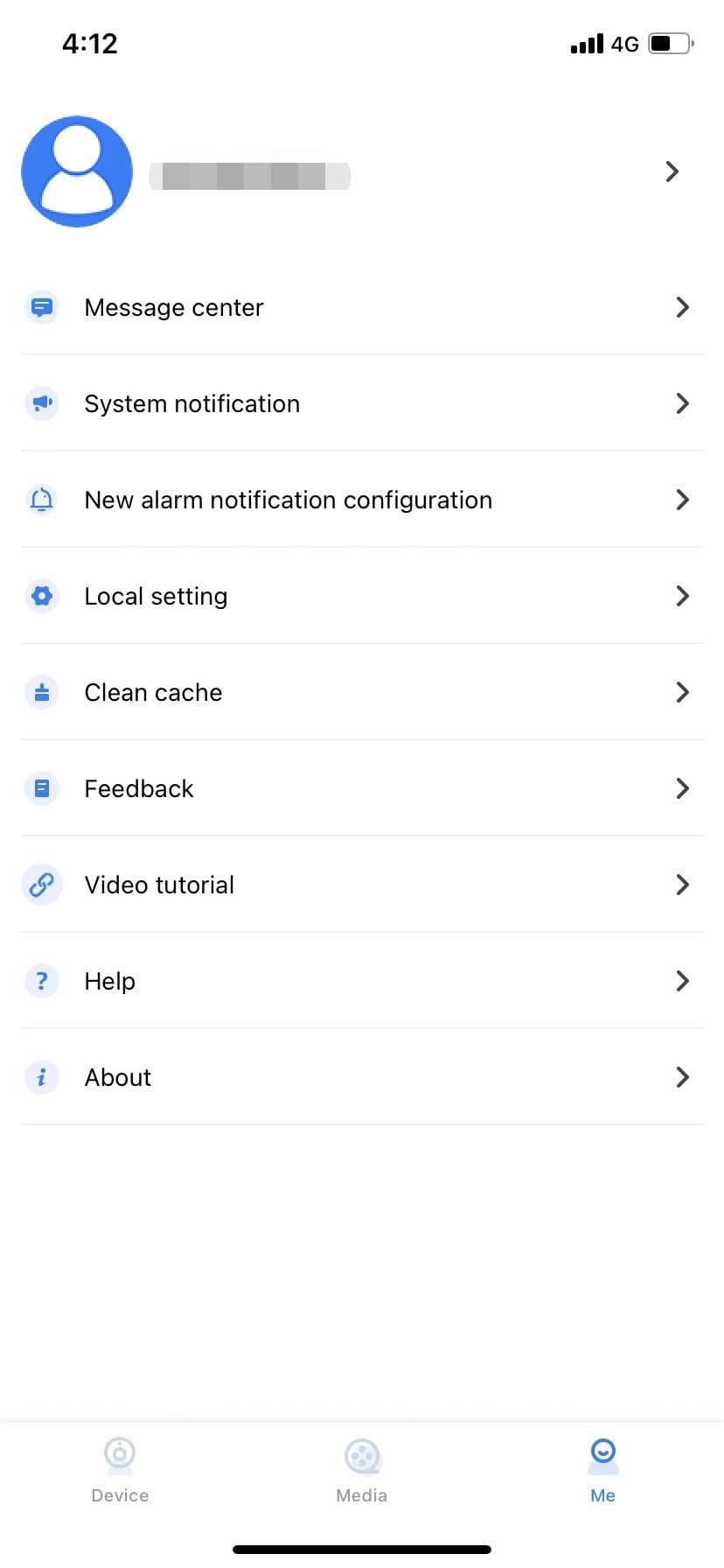
The user module includes user information, the message center, system notifications, new alarm notification configuration, local configuration, cache cleaning, feedback, the app help documents, and app version information, as shown in Figure 6.1.
Message Center
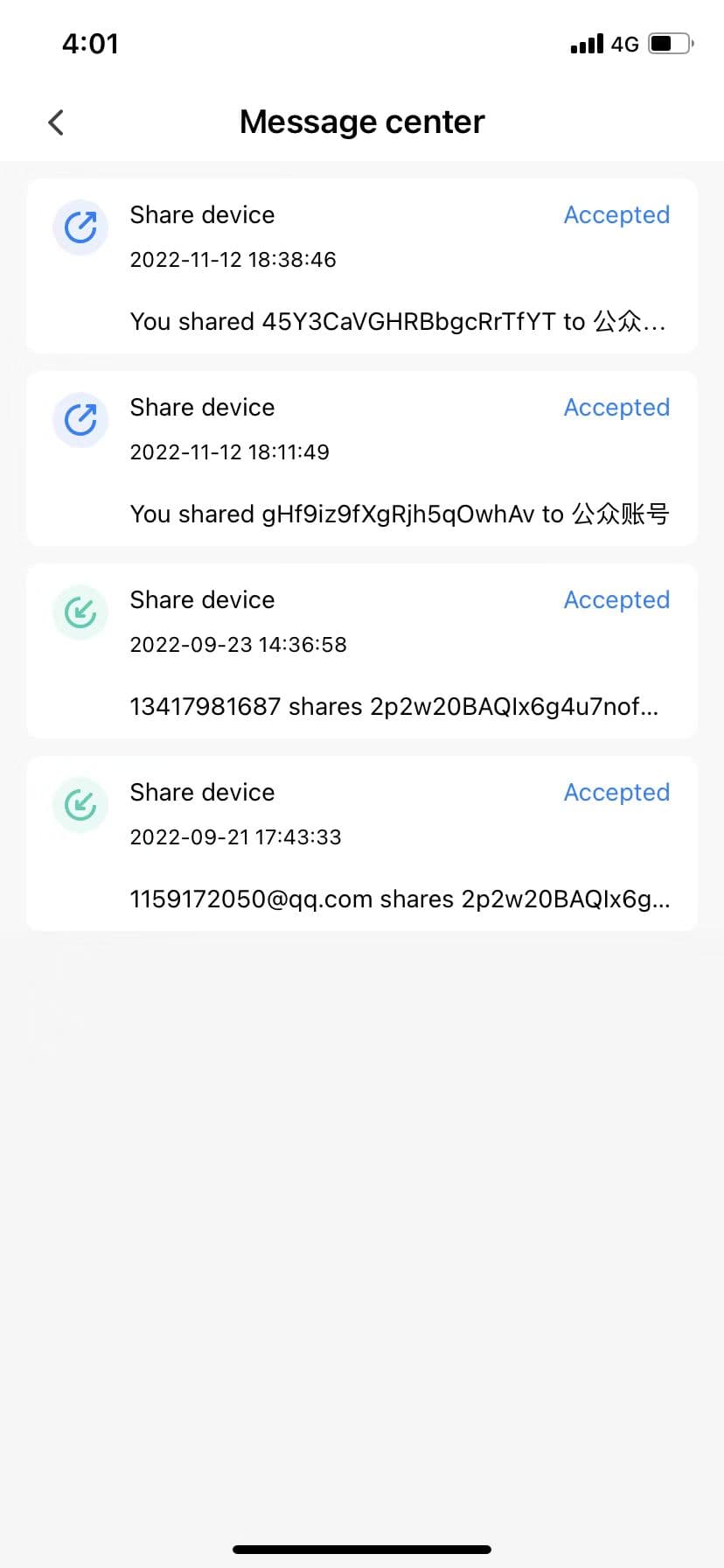
Displays the details of a device being shared with others or being shared with you, as shown in Figure 6.3.
System Notice
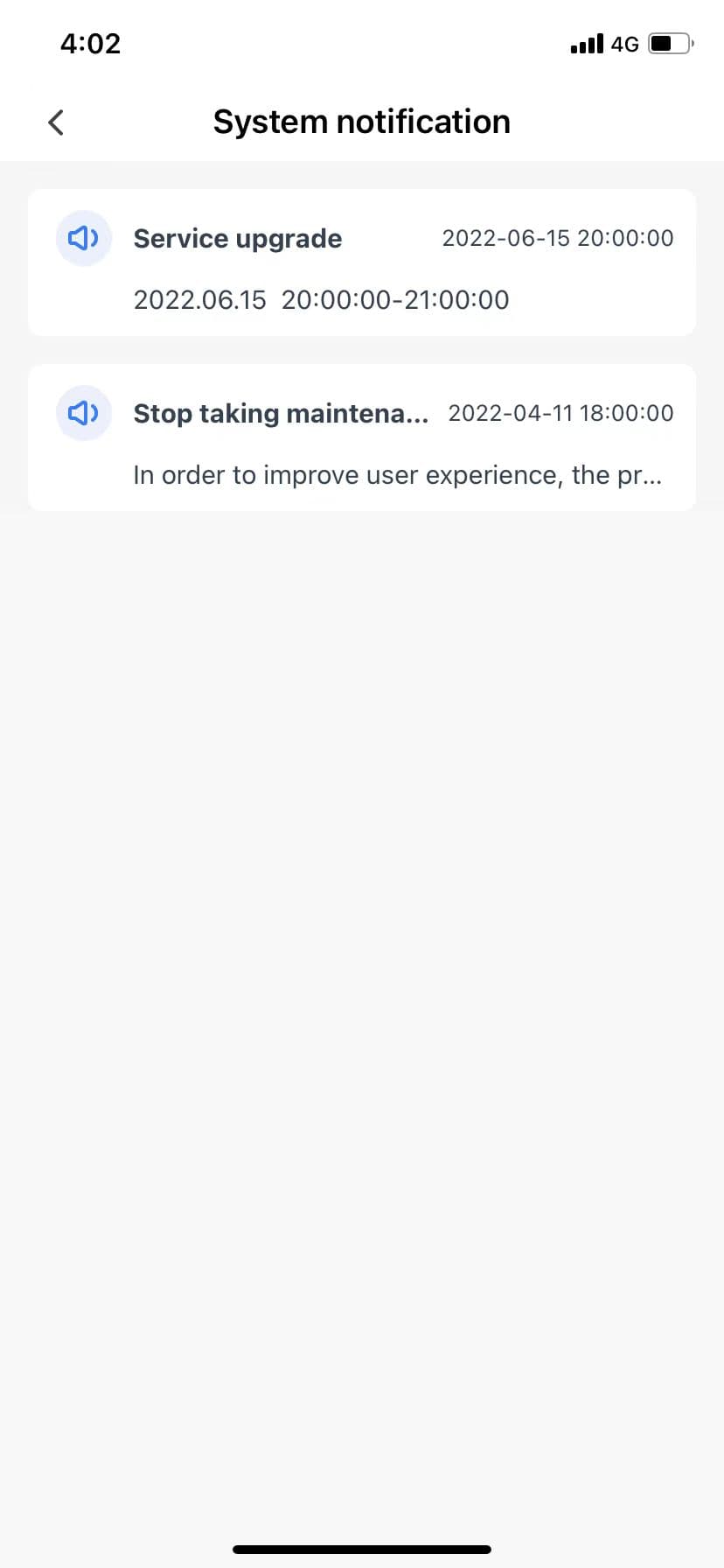
Server routine maintenance, with advance notice, as shown in Figure 6.4.
New Alert Notice Configuration
This function allows users to turn off the pop-up alarm notifications of all devices with one click, so that the phone does not pop up every time there is a message.
Local Configuration
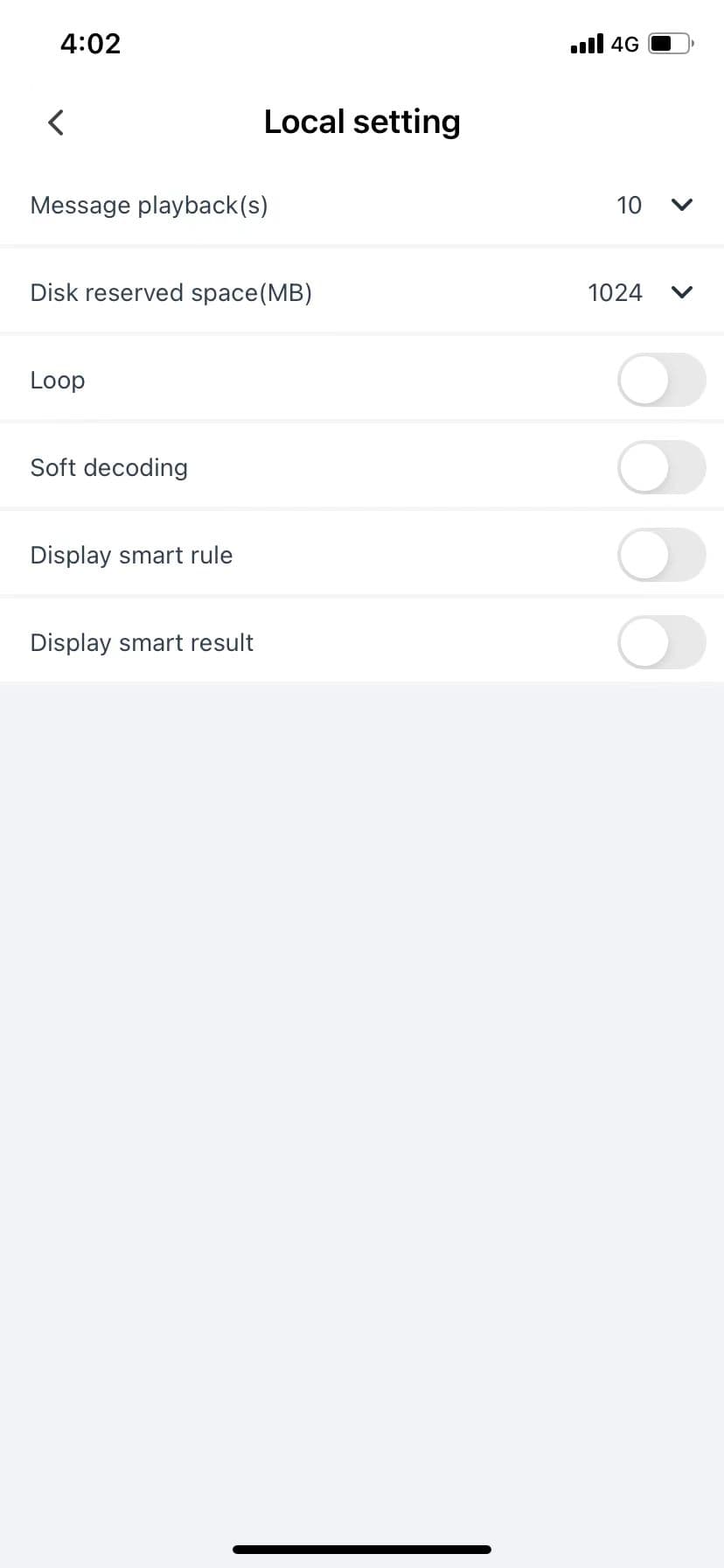
The local configuration function is mainly used to set the usage-habit configuration of the app. It can set the advance time for video playback, the disk space reserved during recording, whether to loop playback and use soft decoding when playing videos, and whether to display preview rules and intelligent results in the preview interface, as shown in Figure 6.5.
Clear Cache
When users feel that the app's cached data is too large, they can quickly clean it up here. The cache is divided into four parts: image cache, file download, local image cache (locally captured pictures), and local video cache (locally recorded files). The user can quickly clean up, and the contents of the files in the multimedia section will also be cleaned up, as shown in Figure 6.6.