 Seeeasy App Docs
Software Instruction
Download the SeeEasy app, register an account and sign in
Download the App
- Search "SeeEasy" from Google Store or Apple Store, and download.
- Scan the QR Code to download.
- Install "SeeEasy".

Account Register
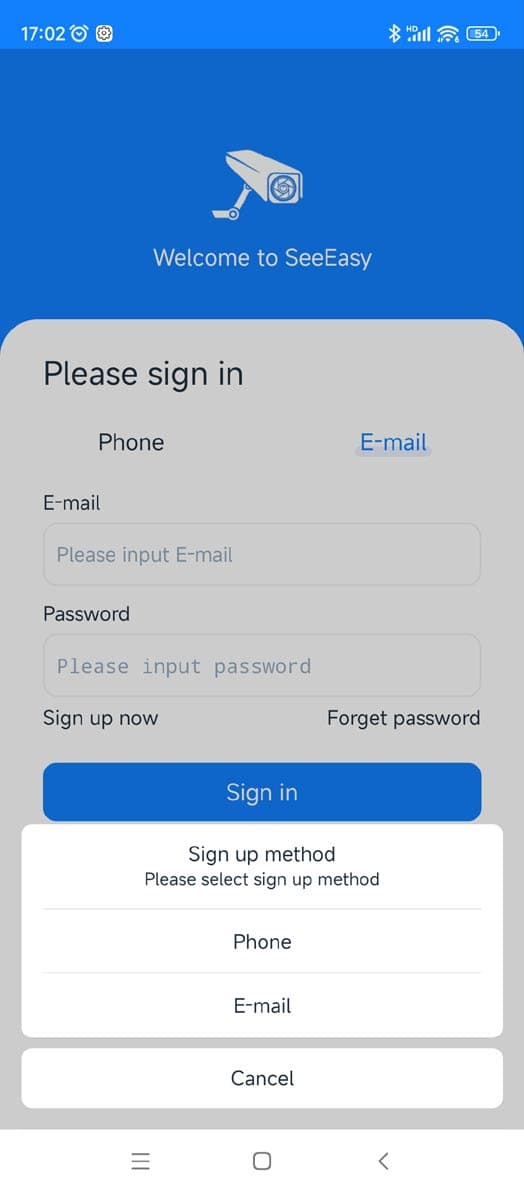
Click the app to enter the registration interface. There are cell phone register and E-mail register.
Please complete the registration via email. Cell phone number registration only supports the Chinese Mainland.
Account Login
After the registration is successful, the login page is displayed.
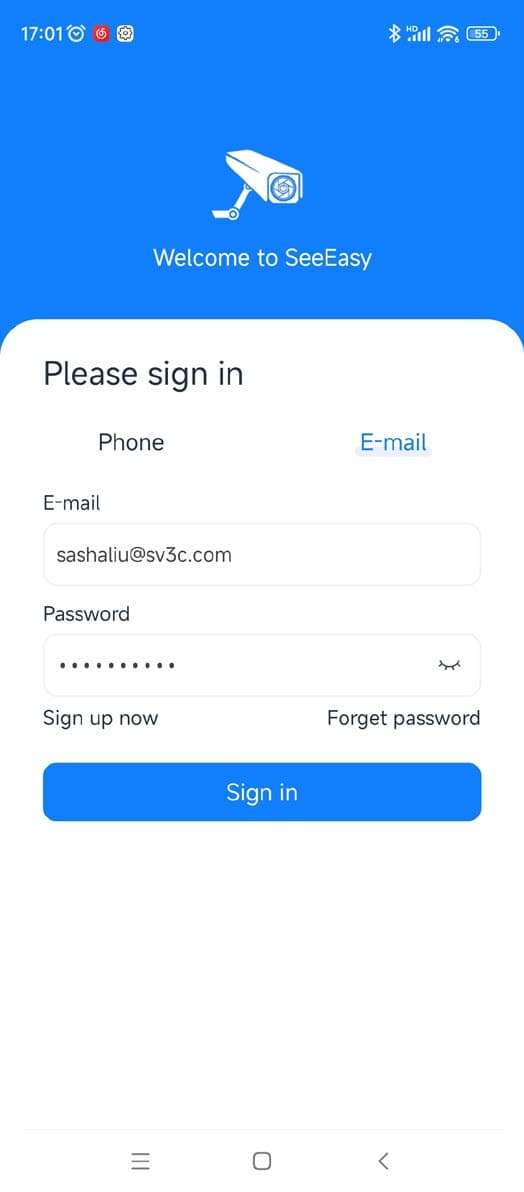
Input the registered E-mail and password on the login interface, then click the "Sign in" button to enter the app.